
Apps / Downstage
Downstage
The stage timer that survives the show. Countdown, count-up and clock for live events — pushed to any display or over NDI, and driven from a phone, a desk, or a single command.
Get Downstage
Free · notarised & signed · checks for updates in-app.
Prefer the Terminal? brew install --cask halfgreybear/tap/downstage
Setting up a show clock? Read the guide: How to run a stage timer on a Mac.
It doesn't blink.
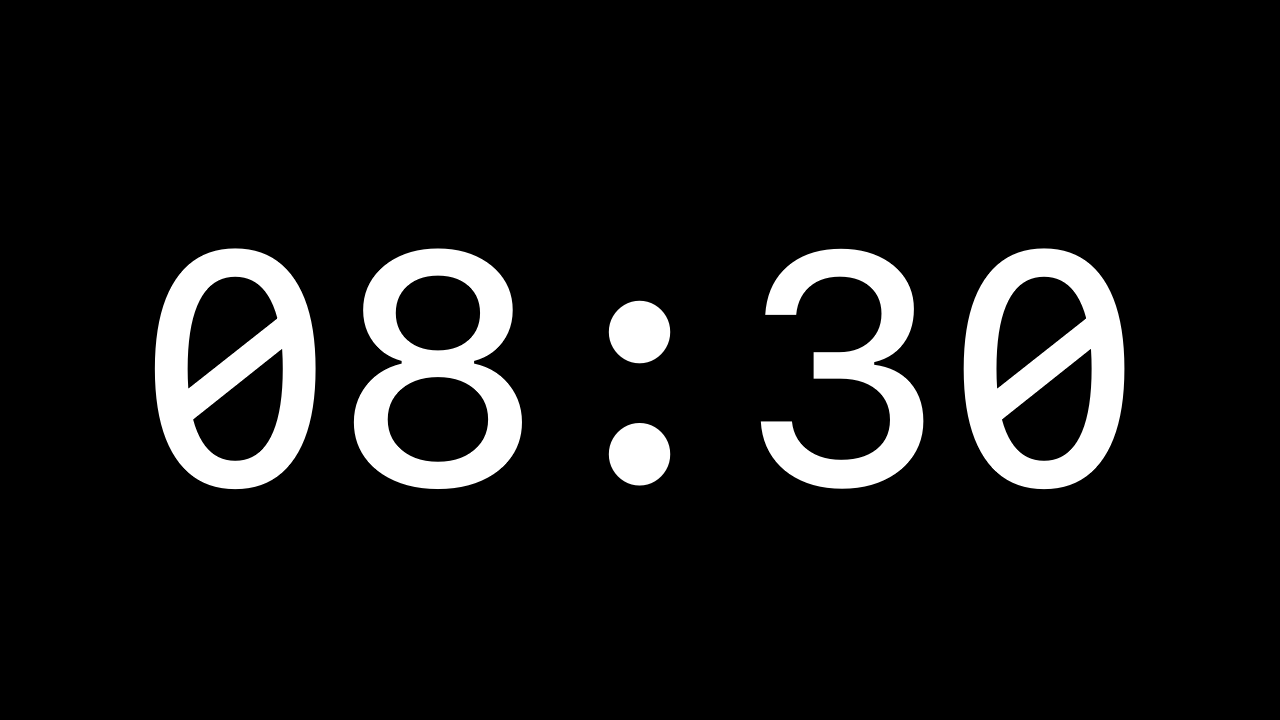
The audience display sits at screen-saver window level, joined to every Space — so Mission Control, Exposé and space-switching can't pull the timer off-screen mid-show. It's the one thing every other timer gets wrong, and the reason this one has run live for years.
What it does
- 01
Countdown, count-up & clock
Quick-set 5/10/20/30/60, live ±1 minute, pause and stop. Overtime counts up past zero in red. Plus a clean time-of-day clock mode.
- 02
Warning colours
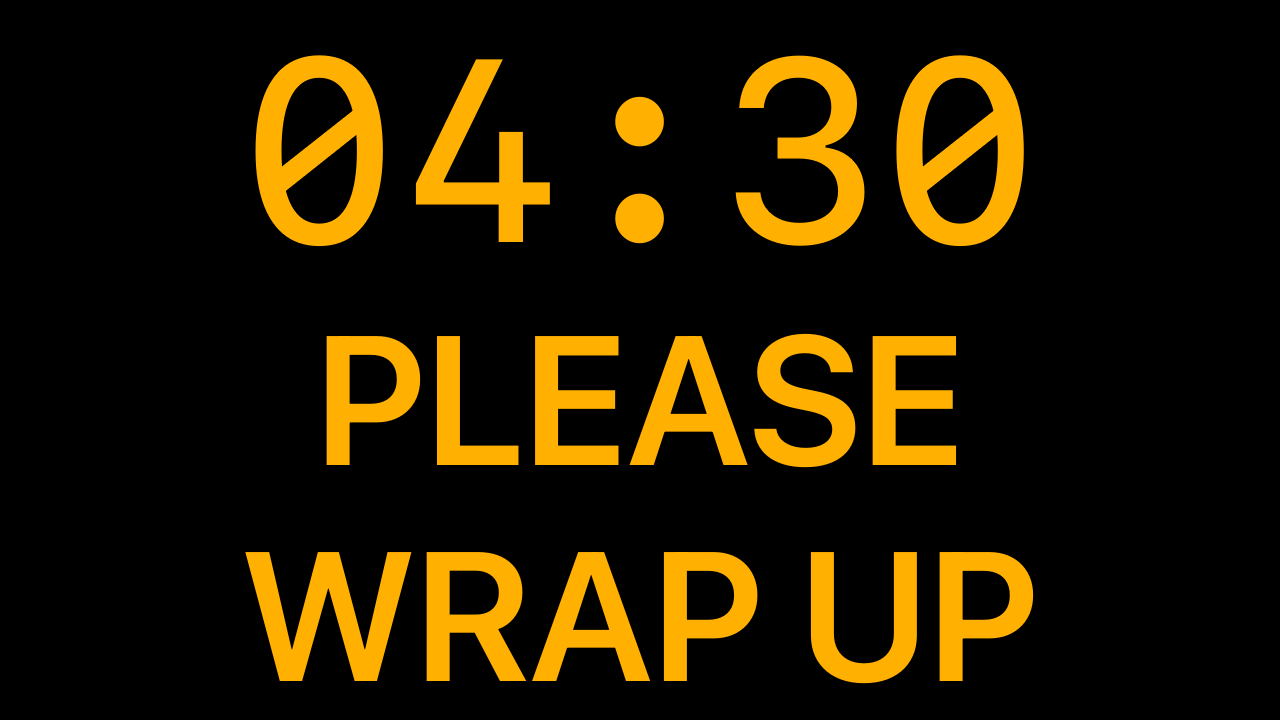
Amber at five minutes, red at one — both thresholds configurable, or switched off for a constant colour. Custom text and background colours throughout.
- 03
Messages, blackout & attention
A big auto-fitting message overlay, instant blackout, and a one-second strobe to grab the room when you need every eye on the screen.
- 04
External displays & NDI
Mirror the timer to any connected screen, or send it as an NDI source straight into your vision mixer, OBS or Resolume — no second display required.
- 05
Phone & lectern remote
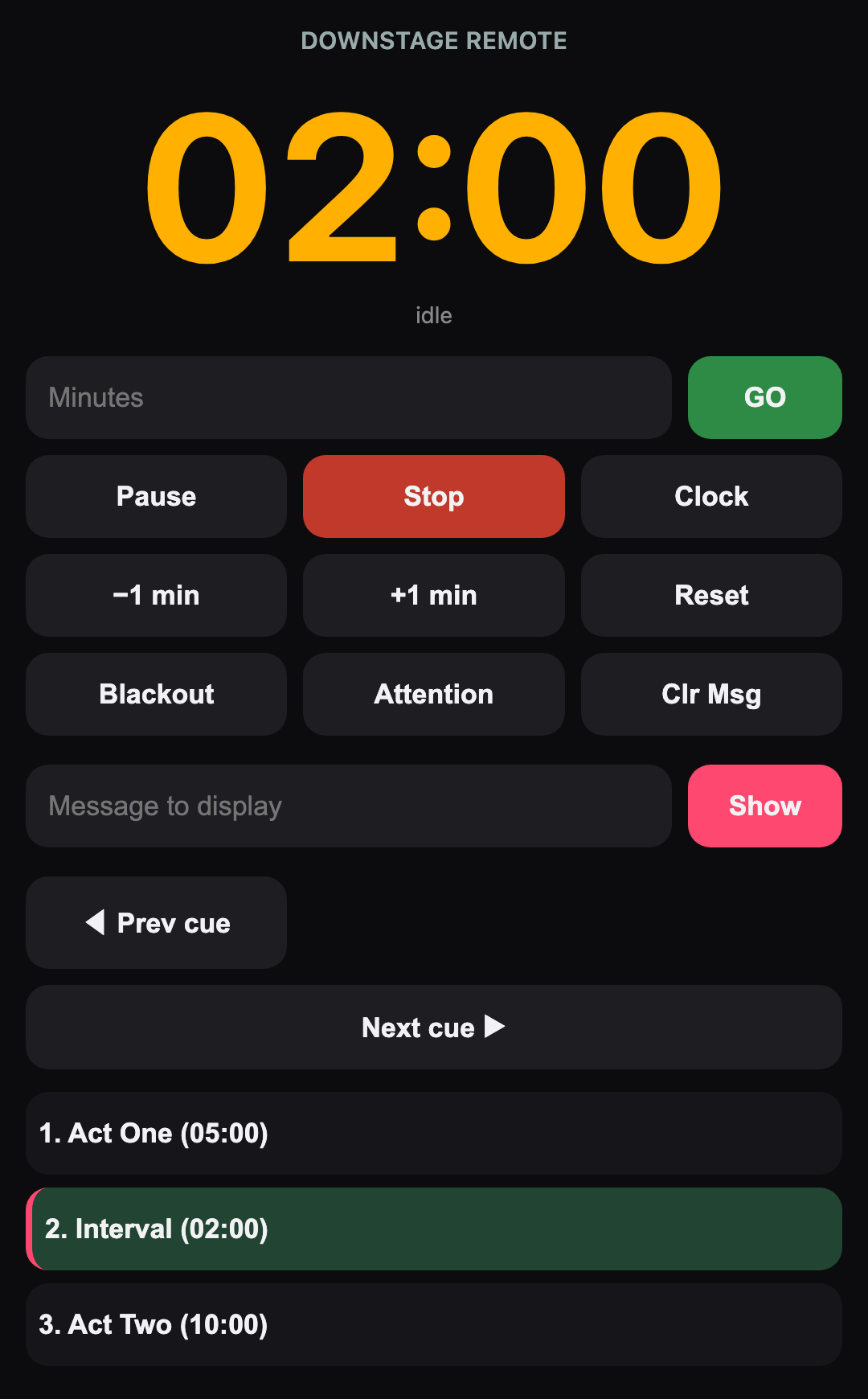
A dependency-free web remote puts big start / stop / message buttons on any phone, and a lectern display turns a spare iPad into a presenter screen.
- 06
Running order
Build a named cue list, step Prev / Next, or let cues follow on automatically. Save and share whole running orders as
.dscuefiles.
A look at it
Drive it from anything
Every control is a single UDP datagram on port 6969 (or the matching web-remote URL). Wire Downstage into your show-control, a stream deck, a QLab cue — whatever runs the show.
Remote command reference
| Command | Action |
|---|---|
GO5 | Load 5 minutes and start (any number; GO0 counts up) |
SET10 | Load 10 minutes without starting |
GO / START | Start the loaded time |
PAUSE | Pause / resume |
+1 / -1 | Add or subtract a minute live |
STOPTIME | Stop and reset to 00:00 |
MSG<text> | Show a message overlay (e.g. MSG Doors in 5) |
CLEARMSG | Hide the message |
BLACK | Toggle blackout |
FLASH | One-second attention strobe |
TIME | Toggle the time-of-day clock |
NEXT / PREV / CUE<n> | Step or jump in the running order |
RESET | Stop and clear message / blackout / flash |
Commands are case-insensitive. Example: printf 'GO5' | nc -u -w1 <mac-ip> 6969
Support
Downstage is built and supported by HALF GREY BEAR. The user guide covers setup, outputs, the remote and the running order in full. If you're still stuck — or you've found something we should fix — email the studio and a human will answer.
Which macOS does it need?
Do I need to install anything for NDI?
Why does it ask for local-network access?
How is it distributed?
Can I install it with Homebrew?
brew install --cask halfgreybear/tap/downstage. The cask tracks new releases automatically, and the app still updates itself in-app.Privacy
Downstage collects no data. No account, no analytics, no tracking — nothing is sent to HALF GREY BEAR or to anyone else.
The only network traffic is on your own local network: the phone / web remote, UDP control, and (if you enable it) the NDI video output. Your settings and cue files stay on your Mac.
Questions about privacy? email us. Last updated June 2026.