
Apps / Monoscope
Monoscope
Test patterns that travel. Custom-resolution bars, ramps, grids and geometry checks — plus a dedicated LED-wall mode — from one portable format that renders identically on web, iPhone, iPad and Mac.
Try it right here
The full web app, running in your browser — build a pattern, then open it full-screen on the display you're feeding.
Get Monoscope for Mac
The native Mac app is here — free, notarised and signed, with full-screen display output and offline use. iPad and iPhone apps are coming next; the web app above is live now too.
Prefer the Terminal? brew install --cask halfgreybear/tap/monoscope
Not sure which pattern you need? Read the guide: Test patterns for projectors and LED walls.
What it does
- 01
Custom-resolution patterns
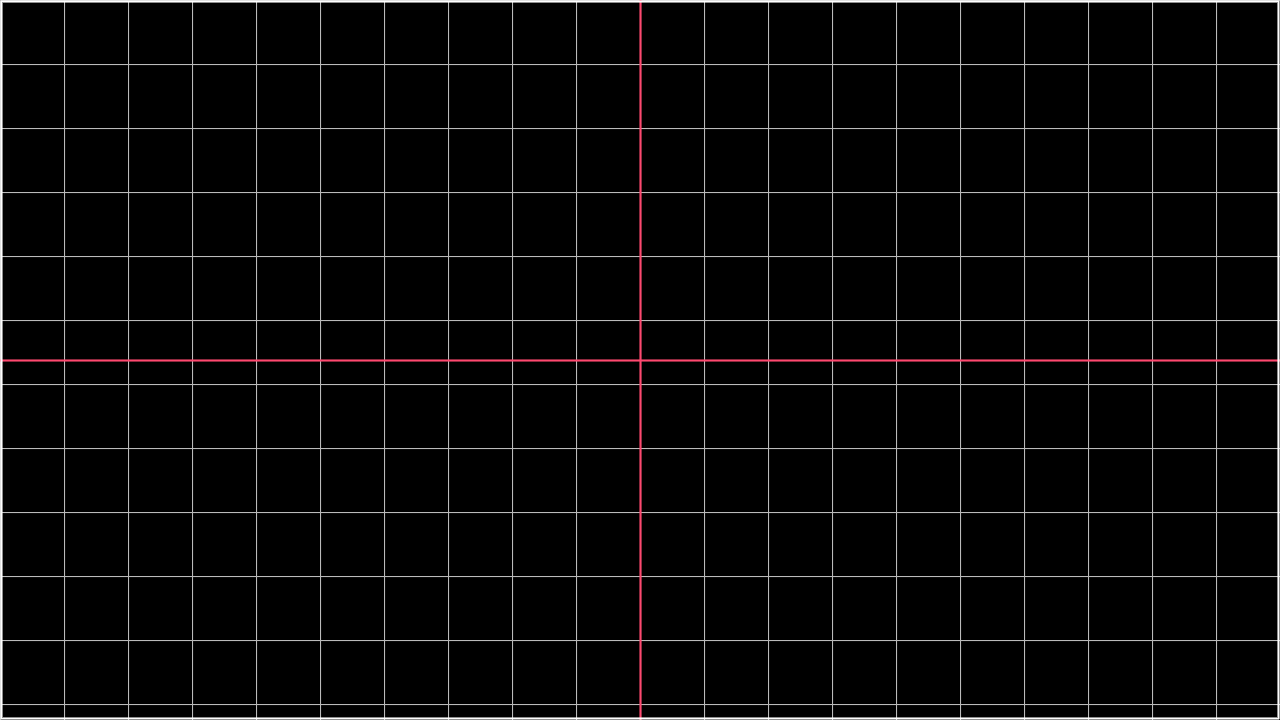
Set any resolution and generate colour bars, ramps, grids, crosshatch and geometry checks — pixel-exact, every time.
- 02
LED-wall mode
Border and label every panel in the rig, so a dead tile, a swapped data run or a mapping error shows up in seconds — not during the show.
- 03
Calibration & uniformity
A pack of patterns for setting brightness, colour and uniformity across a wall before doors open.
- 04
Motion & timing
Moving patterns for chasing latency, tearing and frame-sync issues down the whole signal chain.
- 05
One portable format
A pattern is a tiny
.monoscopefile. Save it on the Mac, open it on the web — it renders identically. Share a setup with the whole crew. - 06
Drive a real screen
Push a pattern full-screen to a connected display at its native resolution, or export a pixel-exact PNG to load anywhere.
A few of the patterns


Support
Monoscope is built and supported by HALF GREY BEAR. The web app needs nothing installed — open it and go. Found a bug, or want a pattern it doesn't have yet? Email the studio.
Do I need to install anything?
What's a .monoscope file?
Does it work offline?
Can I install the Mac app with Homebrew?
brew install --cask halfgreybear/tap/monoscope. The cask tracks new releases automatically, and the app still updates itself in-app.Privacy
Monoscope collects no data. No account, no analytics, no tracking. The web app runs entirely in your browser; the patterns you build and any .monoscope files stay on your device. Nothing is sent to HALF GREY BEAR.
Questions about privacy? email us. Last updated June 2026.